

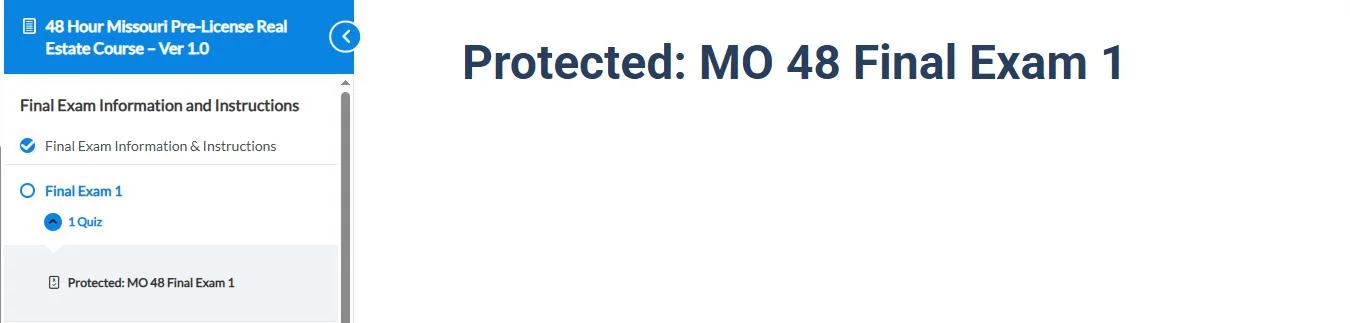
If you are using LearnDash on a WordPress website together with Advanced Access Manager (AAM), you may notice a small problem with password-protected pages.
The password form shows up and accepts the password, but after submitting it, the page reloads and the content still does not appear.
Why this happens
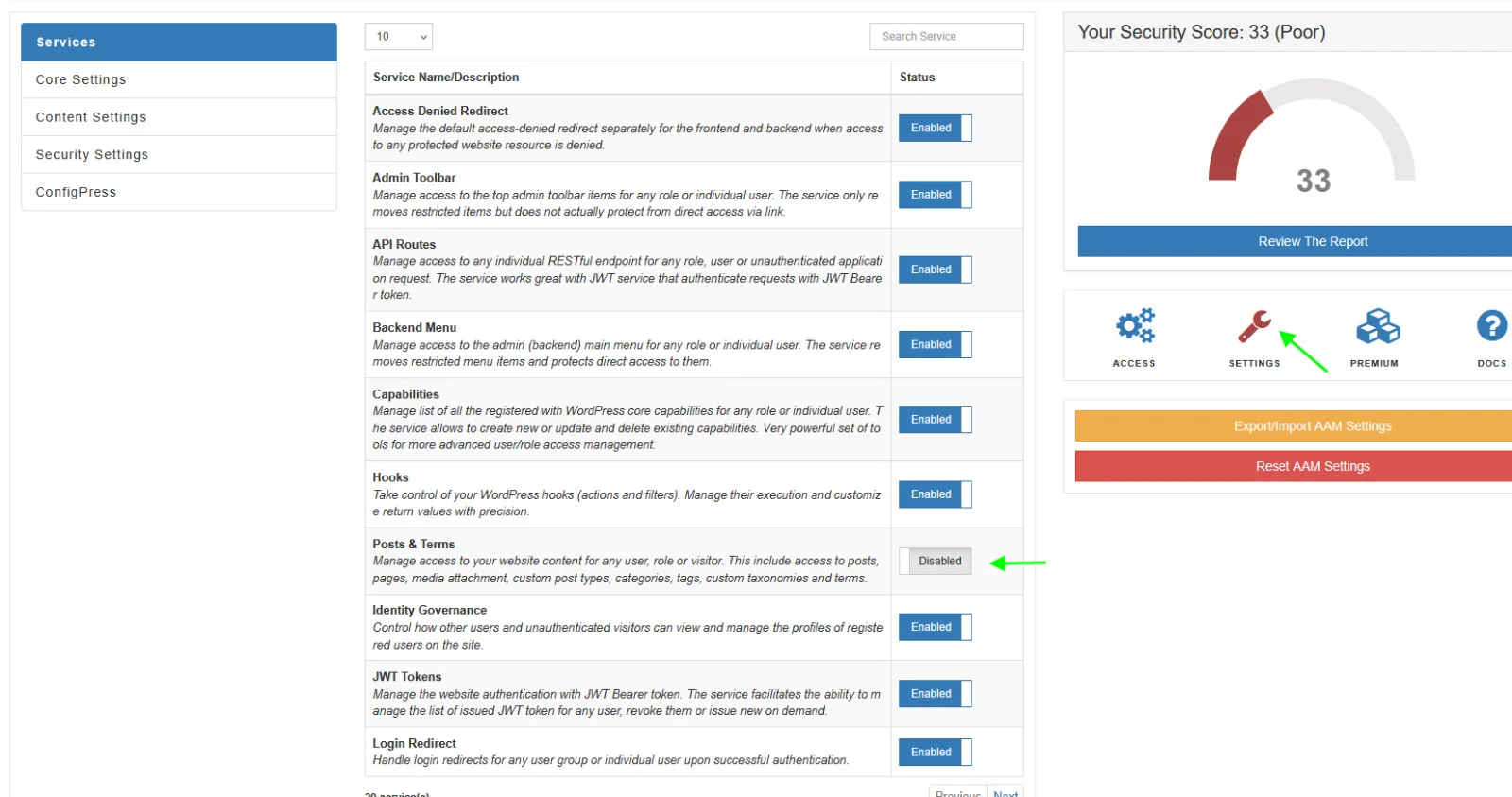
This usually happens because of the Posts & Terms service in the AAM plugin.
When this option is enabled, AAM takes control of how WordPress checks access to posts and pages. Because of this, WordPress cannot complete its normal password verification process, and the content stays hidden even after the correct password is entered.
This issue is more noticeable on pages that contain LearnDash course or lesson content.
How to fix it
The fix is simple.
- Go to your WordPress Dashboard
- Open AAM → Services
- Find Posts & Terms
- Click Disable
After disabling this option, try opening the password-protected page again and enter the password. The content should appear normally.
Important note
Disabling Posts & Terms only stops AAM from controlling access to posts and pages. Other features of the plugin will continue to work, such as:
- Admin menu control
- User capability management
- Security settings
- Login redirects
Also, since LearnDash already manages course access, most sites do not actually need AAM to control post-level permissions.
Final thoughts
If your LearnDash password-protected pages are not showing content after entering the password, check the Posts & Terms setting in AAM first. Disabling it usually fixes the problem right away.