

Let’s be honest — running a small business is exhausting.
Between answering emails, scheduling appointments, managing social media, handling customer inquiries, updating spreadsheets, and trying to actually grow your business… the to-do list never ends. You started your business to do what you love, but instead you’re drowning in administrative tasks that eat up your entire day.
Here’s the good news: you don’t have to do it all yourself.
A virtual assistant — or VA — can take those time-consuming tasks off your plate, give you back hours every week, and cost a fraction of what a full-time employee would. In 2025, hiring a virtual assistant is one of the smartest moves a small business owner can make.
In this guide, we’ll break down exactly what a virtual assistant is, what they do, how much they cost, and how to find the right one for your business.
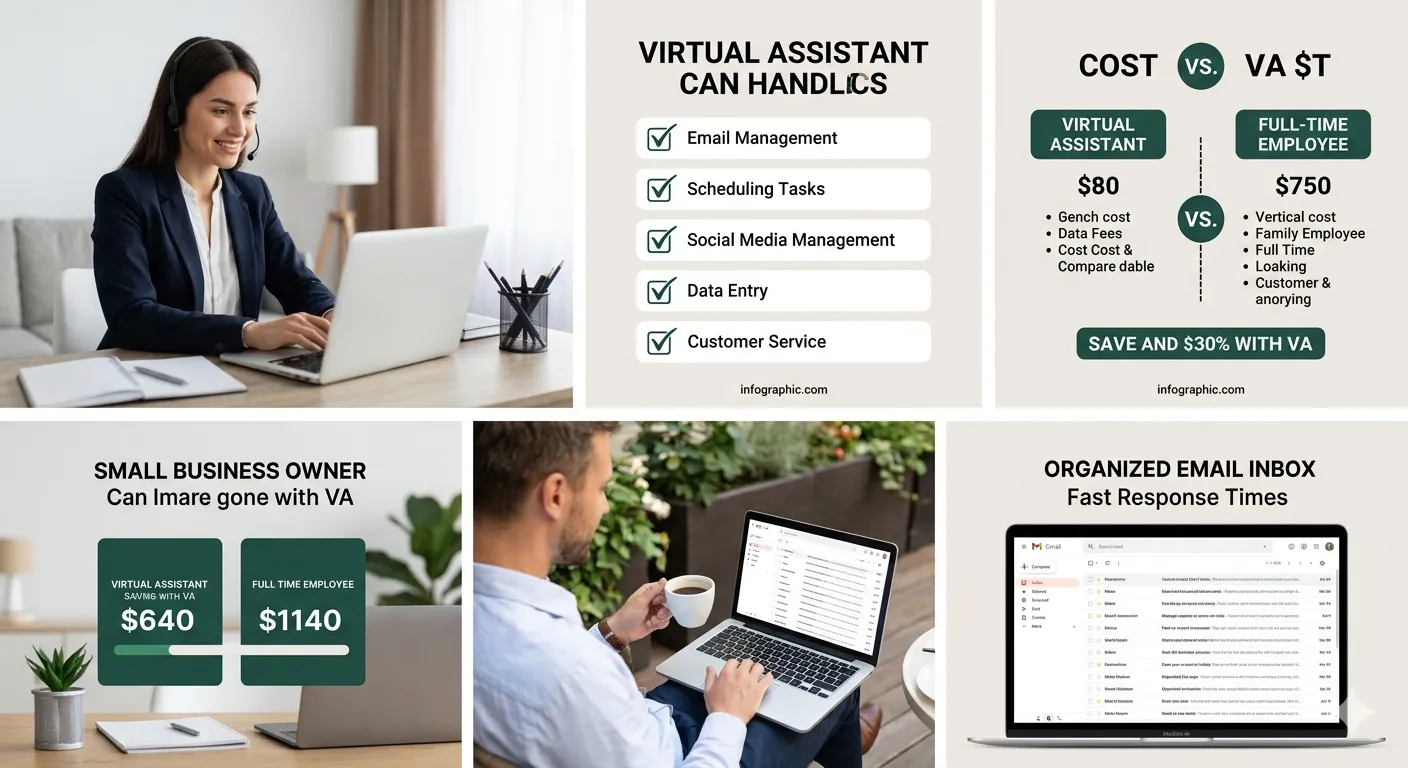
What Is a Virtual Assistant?
A virtual assistant is a remote professional who provides administrative, technical, or creative support to businesses and entrepreneurs — from anywhere in the world.
Unlike a traditional in-office employee, a VA works remotely. You don’t need to provide a desk, office space, equipment, or benefits. You simply tell them what needs to be done, and they get it done — professionally, efficiently, and on time.
Virtual assistants are not just for big corporations. In fact, small business owners and solopreneurs are the biggest users of VA services, because they’re the ones who need help the most and can benefit the fastest.
Think of a VA as your personal business support system — always available, always professional, and always working to make your life easier.
What Does a Virtual Assistant Actually Do?
This is where most business owners are surprised. Virtual assistants can handle a much wider range of tasks than most people expect.
Administrative Tasks
- Managing and organizing your email inbox
- Scheduling meetings and appointments
- Calendar management and reminders
- Data entry and database management
- Preparing reports, presentations, and documents
- Booking travel and accommodations
- Handling invoices and basic bookkeeping tasks
Communication Tasks
- Responding to customer emails and inquiries
- Live chat support
- Following up with leads and clients
- Managing customer feedback and reviews
- Drafting business correspondence
Social Media & Marketing Tasks
- Scheduling and posting social media content
- Responding to comments and messages
- Basic graphic creation for posts (Canva)
- Blog formatting and uploading
- Email newsletter formatting and scheduling
Research Tasks
- Market research and competitor analysis
- Product research
- Finding leads and contact information
- Gathering data for reports
E-Commerce Tasks
- Processing orders and tracking shipments
- Handling returns and customer service
- Updating product listings
- Inventory monitoring
The list goes on. If a task can be done on a computer and doesn’t require a physical presence, a virtual assistant can likely handle it.
How Much Time Can a Virtual Assistant Save You?
Let’s do a quick real-world calculation.
Think about how much time you spend each week on tasks like these:
| Task | Time Per Week |
|---|---|
| Reading and responding to emails | 5–7 hours |
| Scheduling meetings and appointments | 2–3 hours |
| Data entry and admin work | 3–5 hours |
| Social media posting and responses | 2–4 hours |
| Customer follow-up and inquiries | 3–4 hours |
| Miscellaneous admin tasks | 2–3 hours |
| Total | 17–26 hours/week |
That’s nearly half a full work week spent on tasks that don’t directly grow your business. A virtual assistant can take over most or all of these — giving you back 20+ hours every single week.
Imagine what you could do with 20 extra hours. Pitch new clients. Develop new products. Improve your services. Spend time with your family. Or simply breathe.
How Much Does a Virtual Assistant Cost?
One of the biggest misconceptions about virtual assistants is that they’re expensive. The reality is quite the opposite.
Here’s a general breakdown of VA pricing in 2025:
| Type of VA | Hourly Rate | Monthly (Part-Time, 20 hrs) |
|---|---|---|
| Entry-level VA | $8–$15/hr | $160–$300/mo |
| Experienced VA | $15–$30/hr | $300–$600/mo |
| Specialized VA (social media, bookkeeping) | $25–$50/hr | $500–$1,000/mo |
| US/Canada-based VA | $30–$75/hr | $600–$1,500/mo |
Compare that to a full-time in-office employee in the USA:
- Average salary: $35,000–$55,000/year
- Plus benefits, taxes, equipment, office space: add another $10,000–$20,000/year
- Total cost: $45,000–$75,000/year
A part-time virtual assistant handling 20 hours per week might cost you $400–$800/month — that’s $4,800–$9,600/year. The savings are enormous.
Virtual Assistant vs In-House Employee: Which Is Better?
Let’s compare the two options side by side.
Hiring a Full-Time Employee:
- Fixed salary regardless of workload
- Payroll taxes, health benefits, paid leave
- Office space and equipment costs
- HR obligations and legal compliance
- Long onboarding process
Hiring a Virtual Assistant:
- Pay only for hours worked or tasks completed
- No taxes, benefits, or equipment costs
- Works remotely — no office space needed
- Flexible — scale up or down based on need
- Can start almost immediately
For a small business that doesn’t yet have the revenue to justify a full-time hire, a virtual assistant is the perfect solution. You get professional support without the financial risk and overhead of a full-time employee.
5 Signs Your Business Needs a Virtual Assistant Right Now
Not sure if you’re ready for a VA? Here are five clear signs that it’s time:
1. You’re working more than 50 hours a week If your workweek has exploded beyond normal hours, you’re doing too much. A VA can bring that back to a manageable level.
2. Important tasks are falling through the cracks Missed emails, forgotten follow-ups, delayed invoices — these are signs that your workload has exceeded your capacity.
3. You’re doing tasks that don’t require your expertise If you’re spending time on data entry, inbox management, or scheduling instead of high-value work, you’re wasting your most valuable asset — your time.
4. Your response time to customers is slipping Slow email responses mean lost customers. A VA dedicated to email handling keeps your communication fast and professional.
5. You feel constantly overwhelmed and behind Burnout is real — and it’s one of the biggest reasons small businesses fail. A VA gives you breathing room to think clearly and lead effectively.
What to Look for When Hiring a Virtual Assistant
Finding the right virtual assistant takes a little homework. Here’s what to evaluate:
Skills and Experience
Make sure they have experience with the specific tasks you need help with. An email management VA and a social media VA require different skill sets.
Communication Style
You’ll be working with this person closely. Make sure their communication is clear, professional, and responsive. Do a test project or trial period before committing.
Time Zone Compatibility
Depending on your needs, you may want a VA who works during your business hours. Or you may actually prefer someone in a different time zone who can handle things overnight.
Tools and Tech Proficiency
Ask about their experience with tools like Gmail, Google Workspace, Slack, Trello, Asana, Zoom, or whichever tools your business uses.
References and Reviews
Always check reviews, testimonials, or references from past clients. A great VA will have a track record you can verify.
Common Mistakes Business Owners Make When Hiring a VA
Mistake 1: Not Documenting Processes First
Before handing tasks off to a VA, document how you want them done. A simple checklist or video walkthrough saves enormous time during onboarding.
Mistake 2: Giving Too Much Too Soon
Start with one or two tasks and expand from there. Overloading a new VA before they understand your workflow leads to mistakes and frustration.
Mistake 3: Micromanaging Every Task
The whole point of a VA is to free your time. Trust the process, give clear instructions, and let them work. Check in regularly — but don’t hover.
Mistake 4: Choosing Based on Price Alone
The cheapest VA is rarely the best VA. Focus on skill, communication, and reliability. A good VA saves you money in the long run — a bad one costs you more in corrections.
Mistake 5: Not Having a Clear Agreement
Always have a written agreement outlining tasks, hours, pay, confidentiality, and notice periods. This protects both you and your VA.
How to Get Started With a Virtual Assistant in 3 Steps
Getting started is simpler than most people think.
Step 1: Make a list of tasks to delegate Write down every task you do in a week that doesn’t require your direct expertise. That’s your VA’s job description.
Step 2: Find a skilled VA through a trusted platform Look for freelance platforms or services that vet their virtual assistants and offer verified reviews and portfolios.
Step 3: Start with a trial project Before committing to an ongoing arrangement, give your VA a small paid test project. This lets you evaluate their work quality, communication, and reliability before going all in.
Real-World Example
Sarah runs a growing online boutique in Austin, Texas. She was spending 6 hours a day on emails, order tracking, customer follow-ups, and social media — leaving no time to source new products or plan promotions.
She hired a virtual assistant at $18/hour for 25 hours a week. Within 30 days:
- Her inbox response time dropped from 48 hours to under 3 hours
- Customer satisfaction scores improved
- She had 25 hours per week back to focus on buying new inventory and running promotions
- Her monthly revenue increased by 22% in the first quarter
The VA cost her $1,800/month. The revenue increase more than paid for it — several times over.
Conclusion
A virtual assistant isn’t a luxury — it’s a smart business investment.
Whether you need help managing your inbox, scheduling appointments, handling customer inquiries, or managing your social media, a skilled VA can take those tasks off your hands and give you back the time you need to actually grow your business.
The businesses that scale fastest are the ones where the owner focuses on high-value work and delegates everything else. A virtual assistant is how you start doing that — without breaking the bank.
If you’ve been thinking about it, stop overthinking. The right VA could transform how you run your business starting this week.
FAQ’s
Q1: What is the difference between a virtual assistant and a personal assistant? A personal assistant works on-site, typically full-time, and handles both personal and business tasks. A virtual assistant works remotely and is usually hired for specific business tasks on a flexible, hourly or project basis. VAs are significantly more cost-effective for small businesses.
Q2: What tasks should I NOT give to a virtual assistant? Tasks that require sensitive decision-making, access to highly confidential financial information, or physical presence should stay with you or trusted in-house staff. Also avoid delegating anything without clear instructions — set your VA up for success with proper documentation.
Q3: How do I communicate with a virtual assistant effectively? Use tools like Slack, Zoom, Trello, or Asana for task management and communication. Set clear expectations from day one — response time standards, task deadlines, preferred communication channels, and regular check-in schedules.
Q4: Can a virtual assistant handle my email inbox? Absolutely — and this is one of the most popular VA services. A trained VA can sort, organize, respond to routine emails, flag urgent messages, and keep your inbox clean and manageable so nothing important gets missed.
Q5: How quickly can a virtual assistant start working for me? Most freelance virtual assistants can begin within 24–72 hours of hiring. Once you’ve shared access to the necessary tools and provided onboarding instructions, your VA can be fully operational within the first week.
⏰ Stop Doing Everything Yourself — Hire a Virtual Assistant Today!
Every hour you spend on emails, scheduling, and admin work is an hour you’re NOT spending on growing your business. It’s time to change that.
At SKFreelancers.com, you can hire experienced, professional virtual assistants and email handling specialists who will take those tasks off your plate — so you can focus on what actually matters.
Here’s everything our freelancers can help you with:
- 📧 Email Handling / Virtual Assistant — Inbox management, scheduling, customer replies & more
- 💻 Web Development — Professional websites that work as hard as you do
- 🔧 WordPress Development — Fast, beautiful WordPress sites built by experts
- 🔌 WordPress Plugin Development — Custom plugins for your unique business needs
- 🎯 Digital Marketing — SEO, social media, PPC & content marketing
- 🎨 Graphic Design — Stunning visuals for your brand and marketing
- 📊 Data Entry Services — Accurate, reliable data management at scale
Your time is your most valuable asset. Invest it wisely.
Visit SKFreelancers.com — Hire Your Virtual Assistant Today →